---
title: "Get wind speed using the Xweather API"
date: 2026-10-08
description: "Download PDF In this activity, you’ll use the Xweather API to get the wind speed for a specific place (your choice). You’ll then display the wind..."
canonical_url: https://idratherbewriting.com/learnapidoc/docapis_xweather_example
---
> For AI agents: a documentation index is available at https://idratherbewriting.com/llms.txt. Markdown versions of all pages are available by appending .md to any page URL.
# Get wind speed using the Xweather API
[Download PDF](https://www.buymeacoffee.com/learnapidoc/e/146076)
In this activity, you’ll use the Xweather API to get the wind speed for a specific place (your choice). You’ll then display the wind speed on a web page based on some conditional logic about the wind speed’s value.
## The Xweather API
In earlier tutorials, you integrated information from the [OpenWeatherMap API](https://openweathermap.org/api). It’s probably a good idea to compare this OpenWeatherMap API with another weather API. The [Xweather API](https://www.xweather.com/docs/weather-api) (formerly Aeris Weather API) is an interesting, well-documented and powerful weather APIs I’ve encountered.
## 1. Get the API keys
See the [Getting Started](http://www.xweather.com/docs/weather-api/getting-started/) page for information on how to register and get API keys. (You’ll need to register for a trial developer version in order to authenticate to the API.) You will need both the ID and secret to make API calls. See [Get the Xweather API secret and ID](https://idratherbewriting.com/learnapidoc/docapis_get_auth_keys.html#xweather_apikey) for more detail.
## 2. Construct the request
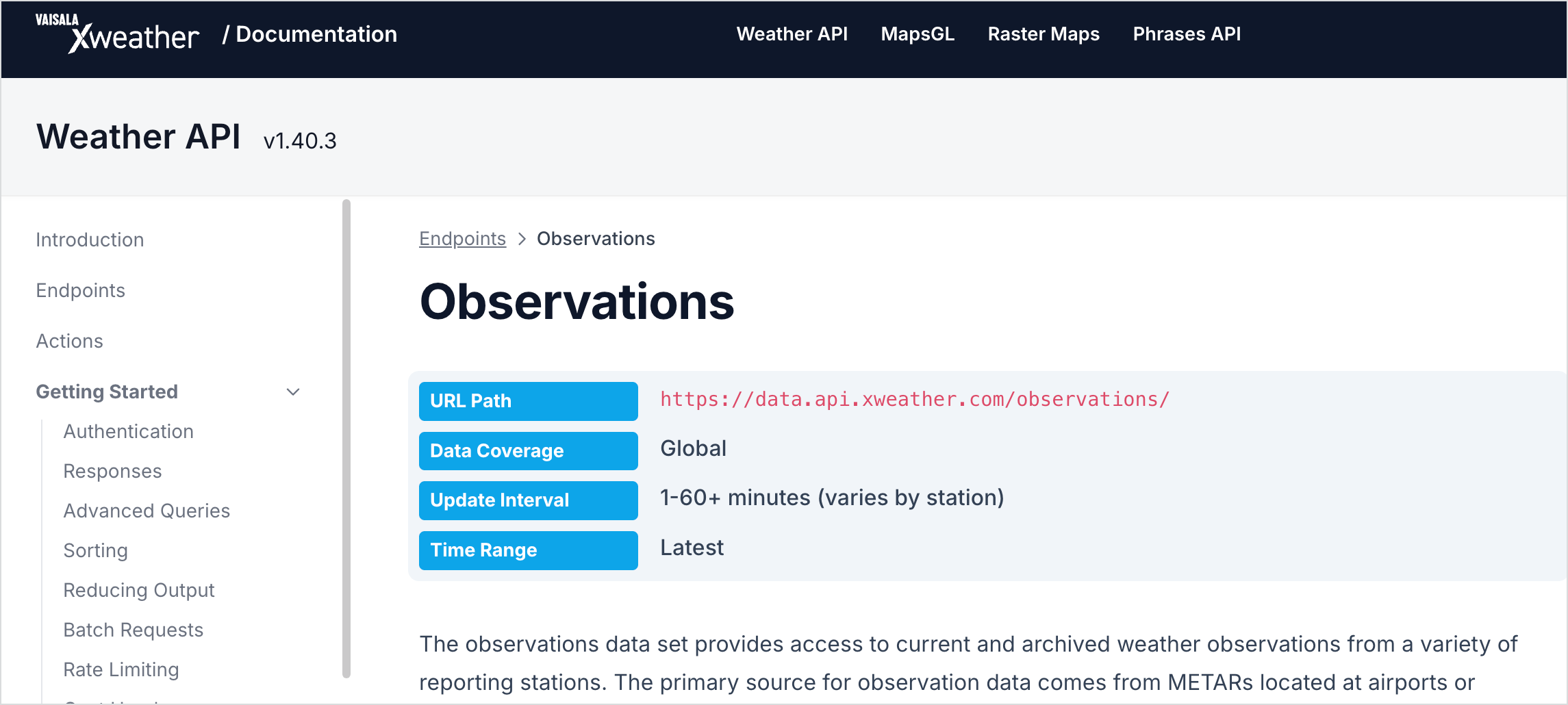
Browse through the [available endpoints](https://www.xweather.com/docs/weather-api/endpoints) in the Weather API and look for one that would give you the wind speed. The [`observations`](https://www.xweather.com/docs/weather-api/endpoints/observations/) endpoint provides information about wind speed, as does [`/forecasts`](http://www.xweather.com/docs/weather-api/endpoints/forecasts/). The response from `observations` looks a little simpler, so let’s use that endpoint.
[](http://www.xweather.com/docs/weather-api/endpoints/observations/)
To get the forecast details for Santa Clara, California, add `santa%20clara,ca` after `/observations`, like this:
```
http://data.api.xweather.com/observations/santa%20clara,ca?client_id=CLIENT_ID&client_secret=CLIENT_SECRET
```
You will need to swap in your own client ID and secret in place of `CLIENT_ID` and `CLIENT_SECRET` in the code above.
## 3. Analyze the response
Here’s the response from [the request](http://data.api.xweather.com/observations/santa%20clara,ca?client_id=ByruDorHEne2JB64BhP1k&client_secret=Jp4xullRcy6DXTPSTKBGXAvGGTaT04iiUQXPj0ob):
```json
{
"success": true,
"error": null,
"response": {
"id": "KSJC",
"loc": {
"long": -121.91666666667,
"lat": 37.366666666667
},
"place": {
"name": "san jose",
"state": "ca",
"country": "us"
},
"profile": {
"tz": "America/Los_Angeles",
"elevM": 24,
"elevFT": 79
},
"obTimestamp": 1544806380,
"obDateTime": "2018-12-14T08:53:00-08:00",
"ob": {
"timestamp": 1544806380,
"dateTimeISO": "2018-12-14T08:53:00-08:00",
"tempC": 14.4,
"tempF": 58,
"dewpointC": 6.1,
"dewpointF": 43,
"humidity": 58,
"pressureMB": 1016,
"pressureIN": 30,
"spressureMB": 1014,
"spressureIN": 29.94,
"altimeterMB": 1017,
"altimeterIN": 30.03,
"windKTS": 14,
"windKPH": 26,
"windMPH": 16,
"windSpeedKTS": 14,
"windSpeedKPH": 26,
"windSpeedMPH": 16,
"windDirDEG": 140,
"windDir": "SE",
"windGustKTS": 20,
"windGustKPH": 37,
"windGustMPH": 23,
"flightRule": "VFR",
"visibilityKM": 16.09344,
"visibilityMI": 10,
"weather": "Cloudy",
"weatherShort": "Cloudy",
"weatherCoded": "::OV",
"weatherPrimary": "Cloudy",
"weatherPrimaryCoded": "::OV",
"cloudsCoded": "OV",
"icon": "cloudy.png",
"heatindexC": 14,
"heatindexF": 58,
"windchillC": 14,
"windchillF": 58,
"feelslikeC": 14,
"feelslikeF": 58,
"isDay": true,
"sunrise": 1544800479,
"sunriseISO": "2018-12-14T07:14:39-08:00",
"sunset": 1544835063,
"sunsetISO": "2018-12-14T16:51:03-08:00",
"snowDepthCM": null,
"snowDepthIN": null,
"precipMM": 0,
"precipIN": 0,
"solradWM2": 55,
"solradMethod": "estimated",
"ceilingFT": 7000,
"ceilingM": 2133.6,
"light": 24,
"QC": "O",
"QCcode": 10,
"windGustSpeedKTS": 20,
"windGustSpeedKPH": 37,
"windGustSpeedMPH": 23,
"sky": 100
},
"raw": "KSJC 141653Z 14014G20KT 10SM FEW024 BKN070 OVC110 14/06 A3003 RMK AO2 SLP168 T01440061",
"relativeTo": {
"lat": 37.35411,
"long": -121.95524,
"bearing": 68,
"bearingENG": "ENE",
"distanceKM": 3.684,
"distanceMI": 2.289
}
}
}
```
`windSpeedMPH` is the value we want.
## 4. Pull out the values from the response
To get the `windSpeedMPH`, you would access it through dot notation like this: `data.response.ob.windSpeedMPH`.
To add a little variety to the code samples, let’s add some conditional logic in the display. The following code checks to see if `data.response.ob.windSpeedMPH` is greater than `15`. If so, it prints `Yes, it's too windy.` If not, it prints, `No, it's not that windy.`
```html
Is it too windy to go on a bike ride?
```
Here’s the [result](https://idratherbewriting.com/assets/files/xweather-observations.html):
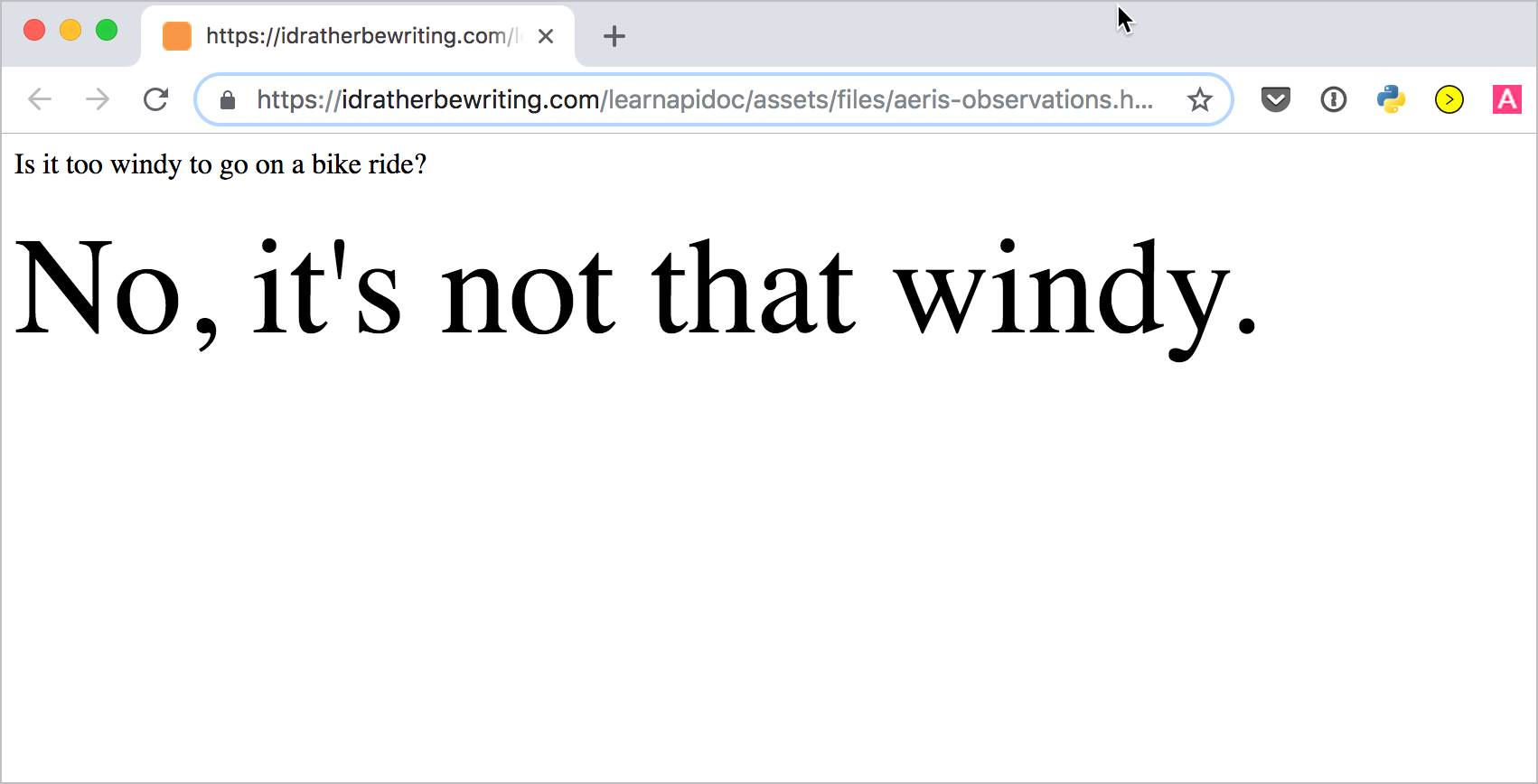
For fun, change the value from `15` to `1` in the code and refresh the page. It will probably say “Yes, it’s too windy.” JavaScript is fun because it’s easy to adjust some parameters and see the results through your browser. With other programming languages, you would likely need to compile or run the code in an IDE to see the result. In both cases, always test out the code and make it run yourself.